 Hack the Route Start learning Open app
Networking labs in your browser
Learn computer networking on real Linux machines.
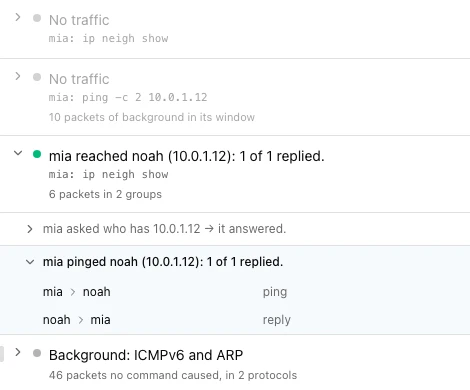
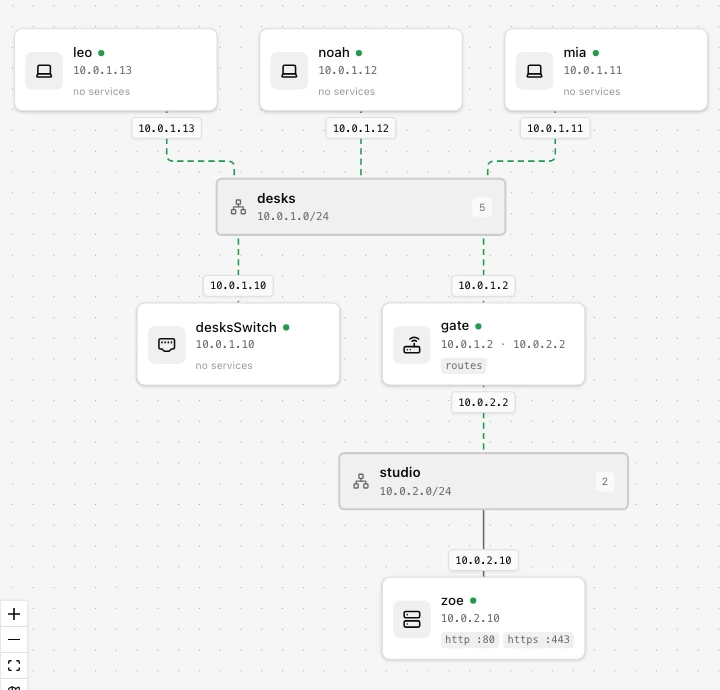
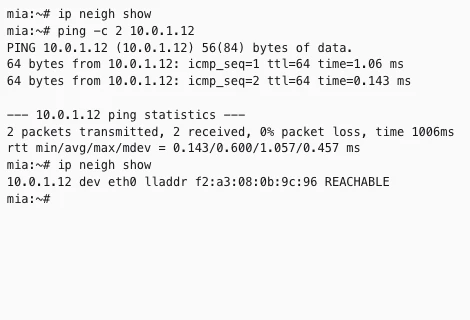
In every lab you guess what the network will do, run the real commands in your browser, and read what the machines print.
Runs in your browser. Nothing to install.
The route
From What is a network to Observability.
33 roads, 215 labs, in order. Start anywhere.
Networking
- 01 Network Basics 9 labs
- 02 Protocols 13 labs
- 03 IP Addressing & NAT 12 labs
- 04 Routing 11 labs
- 05 Switching 8 labs
- 06 Tunnels & VPNs 4 labs
- 07 Wireless 3 labs
- 08 Reliability & Traffic 9 labs
- 09 Network Security 8 labs
- 10 Identity & Access 7 labs
- 11 Troubleshooting 5 labs
- 12 Cloud 5 labs
- 13 Automation 7 labs
- 14 Observability 6 labs
Playbooks
Cyber Security
- 18 Security Basics 11 labs
- 19 Recon 3 labs
- 20 Night Watch 4 labs
- 21 Forensics 5 labs
- 22 Cryptography at Work 8 labs
- 23 Threat Frameworks 3 labs
- 24 Logs & SIEM 6 labs
- 25 Defensive Tools 9 labs
- 26 Incident Response 6 labs
- 27 Web Attacks 9 labs
- 28 Cloud Security 5 labs
- 29 Security Scripting 3 labs
- 30 Social Engineering 5 labs
- 31 Network Attacks 9 labs
- 32 Linux Exploitation 7 labs
How it works
Connect your AI over MCP
Connect Claude, ChatGPT or any app with MCP connectors to your lab. It reads routes and packets, runs commands with full control, and every step shows in your timeline.
Connect over MCPStart learning.
Runs in your browser, with nothing to install.
Start learning