 Hack the Route Start free Open app
 The idea
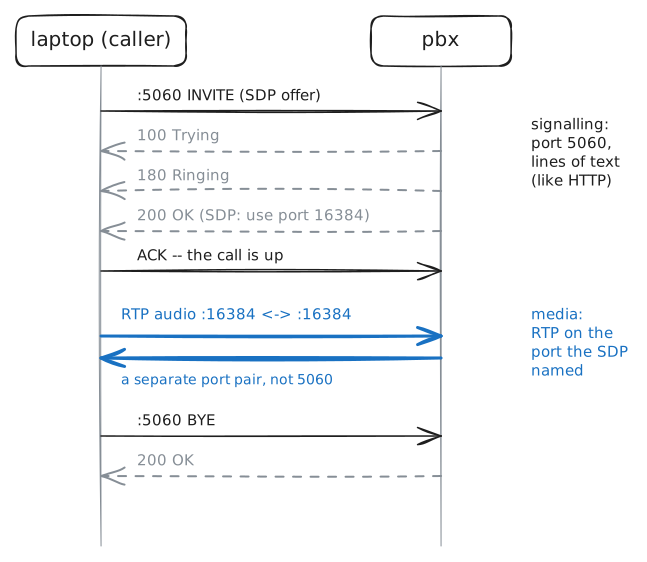
Three office services, three ports: files, desktops and calls, and what each one puts on the wire. The laptop shares one office network with fileServer (shared folders), deskServer (a remote desktop) and pbx (the phone system).
Steps
-
Three services, three well-known ports
Each service waits on a number everyone agrees on, so a client, or an attacker, knows where to knock without asking. fileServer is
10.0.1.11, deskServer10.0.1.12and pbx10.0.1.13. Knock on each one's port withnmap.laptop:~# nmap -n -p 445 10.0.1.11 laptop:~# nmap -n -p 3389 10.0.1.12 laptop:~# nmap -n -sU -p 5060 10.0.1.13
-
A file in the clear
Offices keep their files in one place so everyone works on the same copy. fileServer shares folders over SMB, like a network drive. As alice, list its shares, then read a report from
finance, and check what the recording caught.laptop:~# smbclient -L //10.0.1.11 -U alice%s3cret laptop:~# smbclient //10.0.1.11/finance -U alice%s3cret -c "get q3-report.txt -"
Pro
3 more steps in the app
- A share that says no
- Knock on a remote desktop
- Set up a call